

Today I’ll take you through all the essentials to get your kid started with music production, including the best music production software (DAWs) and essential gear.
This can be done on a budget, and you can give your kid a head-start on skills that will be useful for many years to come!
Contents
- Music Production for Kids – Getting Started
- Best DAWs for Kids (Music Production Software)
- GarageBand (Free – Mac)
- Ableton Live Lite (Bundled – Windows, Mac)
- FL Studio (Windows, Mac)
- LMMS (Free – Windows, Mac, Linux)
- An Essential Studio Gear Pack (Great for Older Kids and Adults too!)
- How to Teach Music Production to Kids
- Summary
Music Production for Kids – Getting Started
- An essential tool for music production is a DAW (Digital Audio Workstation). Even if you just get a free DAW, it should be enough for a start, then later update to a paid version to access all features.
- Some popular DAW choices include GarageBand, Ableton Live Lite, FL Studio, and LMMS.
- For recording voices or instruments, you may want additional studio gear such as an audio interface, a microphone, and the necessary cables. Kids can start arranging software instruments and loops without this equipment.
- The proper way to learn is by taking some music production lessons. There are tons of options and courses online, some free, some paid. Even just watching YouTube tutorials could be a good start.
Best DAWs for Kids (Music Production Software)
First of all, you’re going to need a DAW (Digital audio workstation), which is music production software.
There are plenty of different DAWs on the market, some of them are free, while others offer free stripped-down or ‘lite’ versions with basic features.
GarageBand (Free – Mac)
Go to website: Garageband
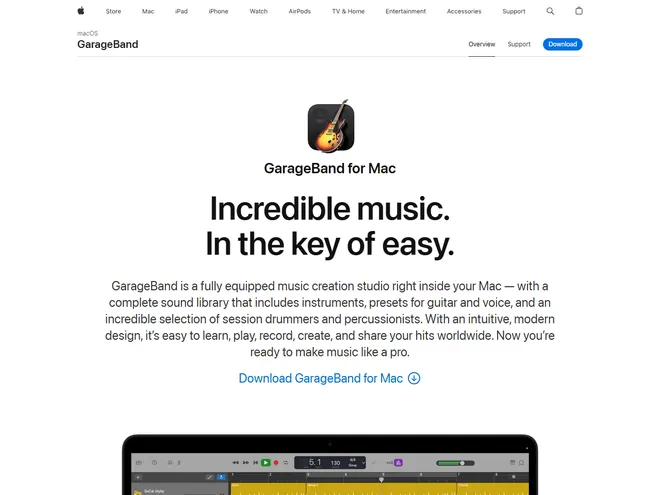
GarageBand is available free for compatible Macs, iPhones, and iPads. Check the App Store if it is not already installed. It has plenty of options for beginners, including software instruments and loops that let kids make a first track without extra recording gear.
With its easy-to-use and intuitive interface, factory sounds and presets, and the virtual drummer, it has become a staple in music-making in recent years. So much so that many are trying to find alternatives for Windows.
Ableton Live Lite (Bundled – Windows, Mac)
Go to website: Ableton Live Lite
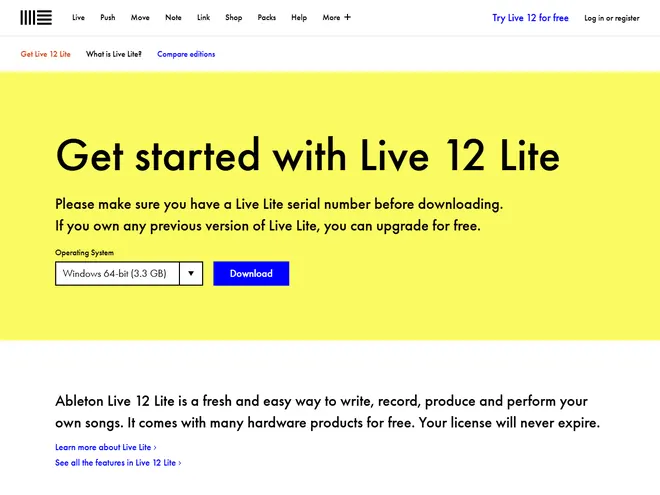
Ableton Live has now become one of the top picks in the world of music production software. It has two views, one for arranging and a ‘session view’ which is great for live performances.
Ableton Live Lite is a limited edition included with certain hardware products and apps. It requires a Live Lite serial number, so it is not simply a free download anyone can activate. If you already have a qualifying license, its smaller feature set can make it easier for kids to grasp how to use it!
FL Studio (Windows, Mac)
Go to website: FL Studio
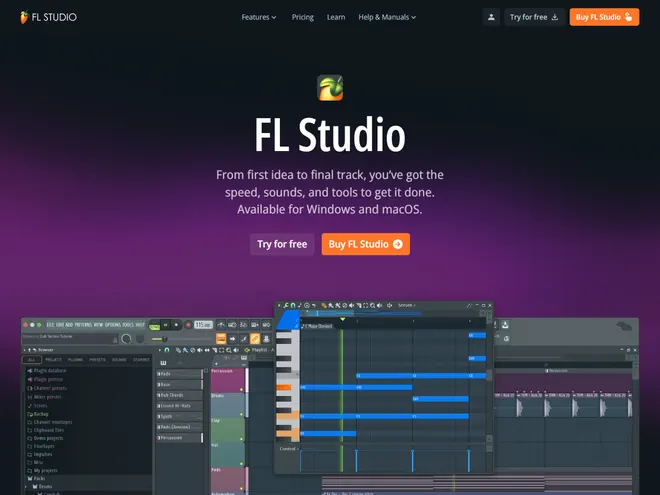
The iconic FL (FruityLoops) Studio DAW, which helped many of today’s producers start, is still going strong.
FL Studio offers a trial so kids can explore its tools before buying a license. The trial can save projects and export audio, but it cannot reopen saved projects, which matters if your child wants to keep working on a song another day. FL Studio also has a mobile version you can check out.
LMMS (Free – Windows, Mac, Linux)
Go to website: LMMS
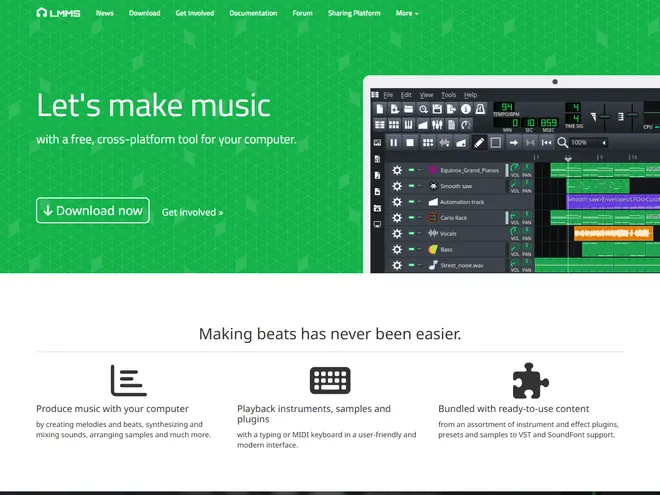
The LMMS Digital Audio Workstation is free and open-source software for Windows, Mac, and Linux. If you’re looking for a free option that has good community support then check this one out.
LMMS is an option for making beats and arranging software instruments on Windows. It can use imported audio samples, but it does not directly record a microphone or guitar. If your child wants to sing over a beat, plan to record that part in another audio application.
An Essential Studio Gear Pack (Great for Older Kids and Adults too!)
For a first project using software instruments and loops, a compatible computer or tablet and suitable music software can be enough. The recording equipment below becomes useful when your child wants to capture a voice or a real instrument. You can add it gradually as those needs arise.
The Focusrite Scarlett Solo Studio bundle is a great choice as it includes a microphone, headphones, and cables. You can even use this audio interface to hook in a guitar or record an electronic drum kit!

Audio interface
This is a piece of equipment that converts a signal from your instrument or microphone into computer language and enables your computer to record the sound.
An audio interface connects XLR microphones and instruments to the computer and gives you control over their recording levels. A separate interface is not required for software-only projects or a USB microphone. The Focusrite Scarlett 2i2 is one option for recording through external microphones and instrument inputs.
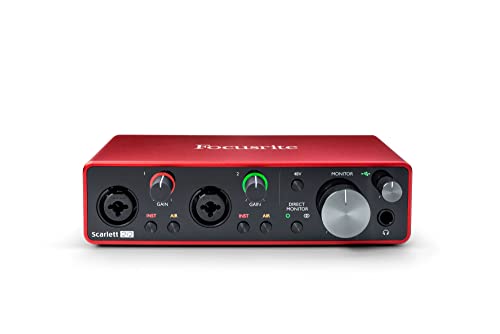
You should initially look for a smaller one like this, which is really more than enough for you at the start unless your kid wants to record many instruments at once!
Microphone
Microphones are needed to record vocals or other instruments that don’t have internal pickups or outputs.
The Audio-Technica AT2020 is a very popular, budget-friendly microphone for studio applications that delivers good sound quality. It’s a top choice for music production beginners.

Buying a quality mic is a real investment into the future, so you should really look to invest in one.
Cables
As you can notice when you look at the audio interface, there are several different types of input/output jacks on it. That’s because there are several different standard connections for different parts of music equipment.
Common connections include XLR, TS, and TRS. The microphones shown here use XLR cables. Electric guitars usually use a 1/4-inch TS instrument cable, while balanced line connections commonly use TRS. Match the cable to the output and input you are connecting; the same-sized plug does not guarantee the same job.

A great starting, entry-level option would be the Amazon Basics XLR Microphone Cable which is incredibly cheap.
How to Teach Music Production to Kids
As with everything these days, the simplest answer is to go check tutorials on YouTube! Even though it sounds cheesy, you can really find some really helpful stuff on there and learn tons of tips and tricks from different people.
You can also find lessons on how to give lessons on music production for kids – check this guy out, as he has some really good advice:
You can also check out different online lessons. Many of them are paid, so you would need to spend some money, but there are also some free ones as well.
Ableton is one of the biggest names in the music production industry and they have some really cool free online music lessons.
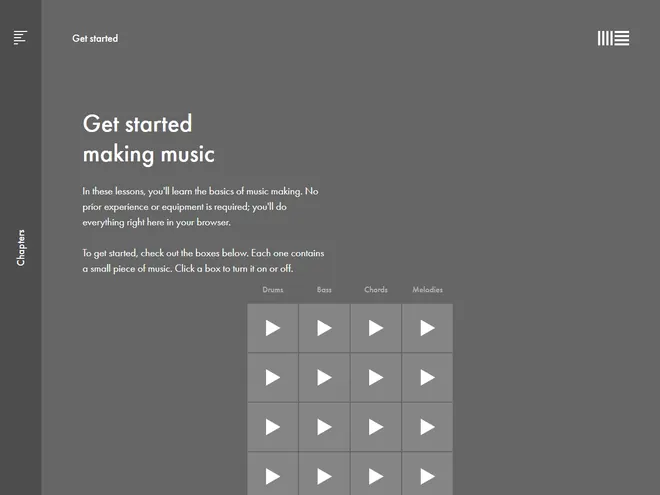
Go to website: Ableton Music
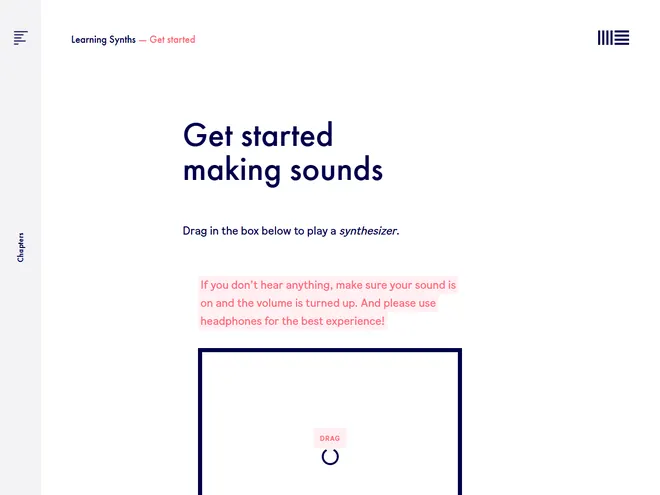
Go to website: Ableton Synths
Lessons like these really are helpful as they present the main points and terms of music production in simple and understandable terms.
It’s really important to get a hold of the vocabulary at first and also to understand why certain things work the way they do and how all of that affects the music you’re creating.
Further down the line, this will really help you grow and develop as an artist and every lesson skipped when you’re beginning is going to cost you ten times more when it comes to haunt you.
The main thing about learning music production for kids is simple – practice. You should start slow, letting kids play with premade loops and teaching them basics about music and music theory.
That includes things like what are notes, what is pitch, how different instruments sound, and so on.
Try a small first project: choose a drum loop, add a bass part, and arrange a short beginning and ending. Save the editable project as well as an audio export, then listen together and let your child choose one change to make. Keeping the task small gives them a finished piece to return to.
Also, get them to really know the software with which they are working. These DAWs are really complex and have tons of different options, which take professionals some time to get into the details, so learning as much as you can about the DAW in which you’re working is essential in making your life easier.
Once the kids get a grasp on the basics, you have to encourage them to record their own music, but in a controlled way and slowly, so that they don’t get into it over their heads and leave music production altogether because it’s too hard for them at that point.
From that point on, it’s up to them to practice and develop on their own as music producers.
There are many different niches where music producers can work today in the audio world, so this can always be a good career choice as the demand for high-quality recordings is probably going to keep increasing!
Summary
If you already have a compatible computer or tablet, free music software can be enough for a first project. Check the software’s requirements and license before installing it, and add recording equipment when your child needs it. You can try making music together before committing to a home-studio setup.
The main thing is not to put pressure on your kid and let it learn at its own pace and have fun with it. That way, kids will learn and develop a love for music, letting them develop further and grow in every possible way.


